

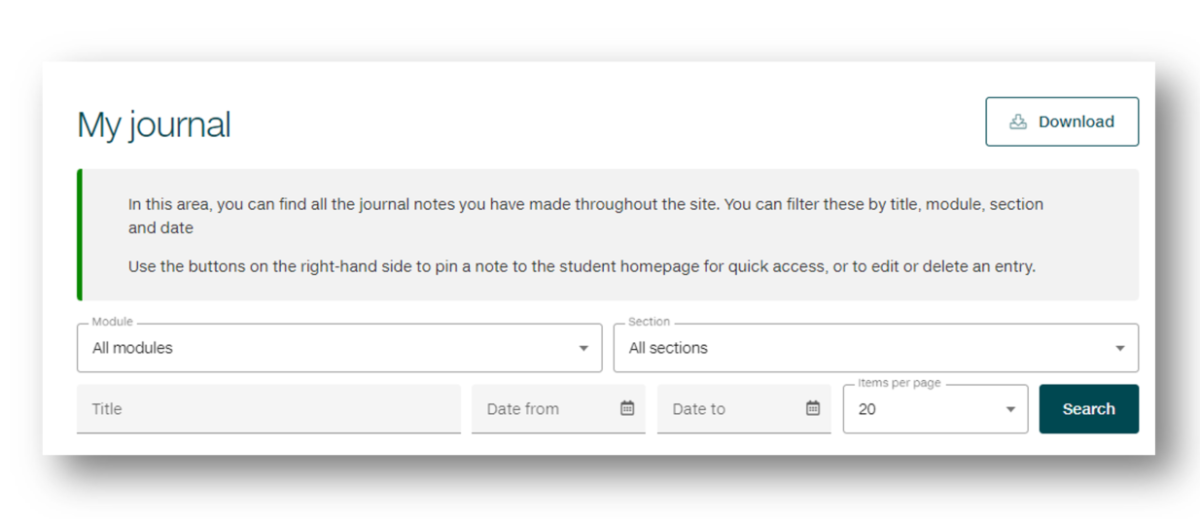
My journal is an area of the site that enables you to manage the notes that you make within Skills for Study.
These are the notes that you have saved from either using the 'Add to journal' button or in answering the prompts given inside pages.
This journaling functionality gives you the reflective space to record thoughts and experiences, as you progress through the topics.
Find out more in this video:
Your turn
Have a go at entering text into the field below. Text in this journal box can be saved to the 'My journal' area by selecting the button 'Save results to journal'.
This note can be edited and downloaded.